Real-time heart rate display software

Transform every session into an engaging experience

Display your participants’ cardio data live
to boost engagement and performance.

Control

Endurance

Intense effort

Ultimate zone

VISIBLE

MOTIVATING

MEMORABLE

The challenge of training sessions

The limits of traditional workouts

Performance alone is no longer enough.
Experience is what makes the difference.

The CardioLive Studio software

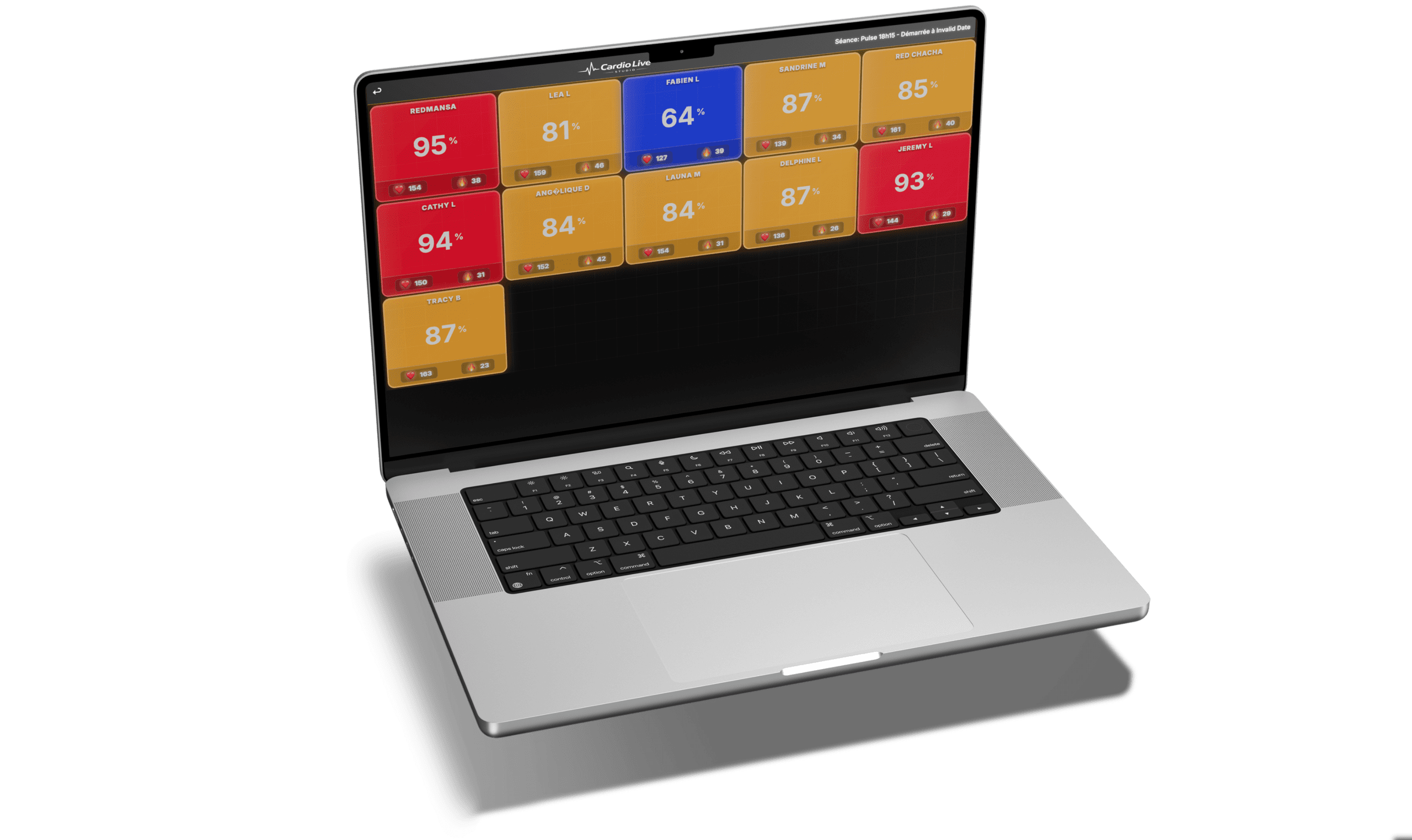
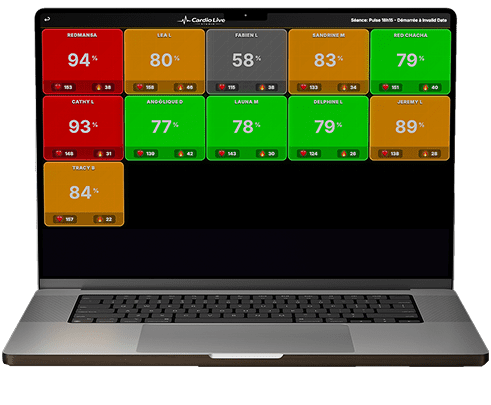
Data displayed in real time

Beats per minute (BPM) live

Intensity zones (colors)

Heart rate (%)

Real-time calorie tracking

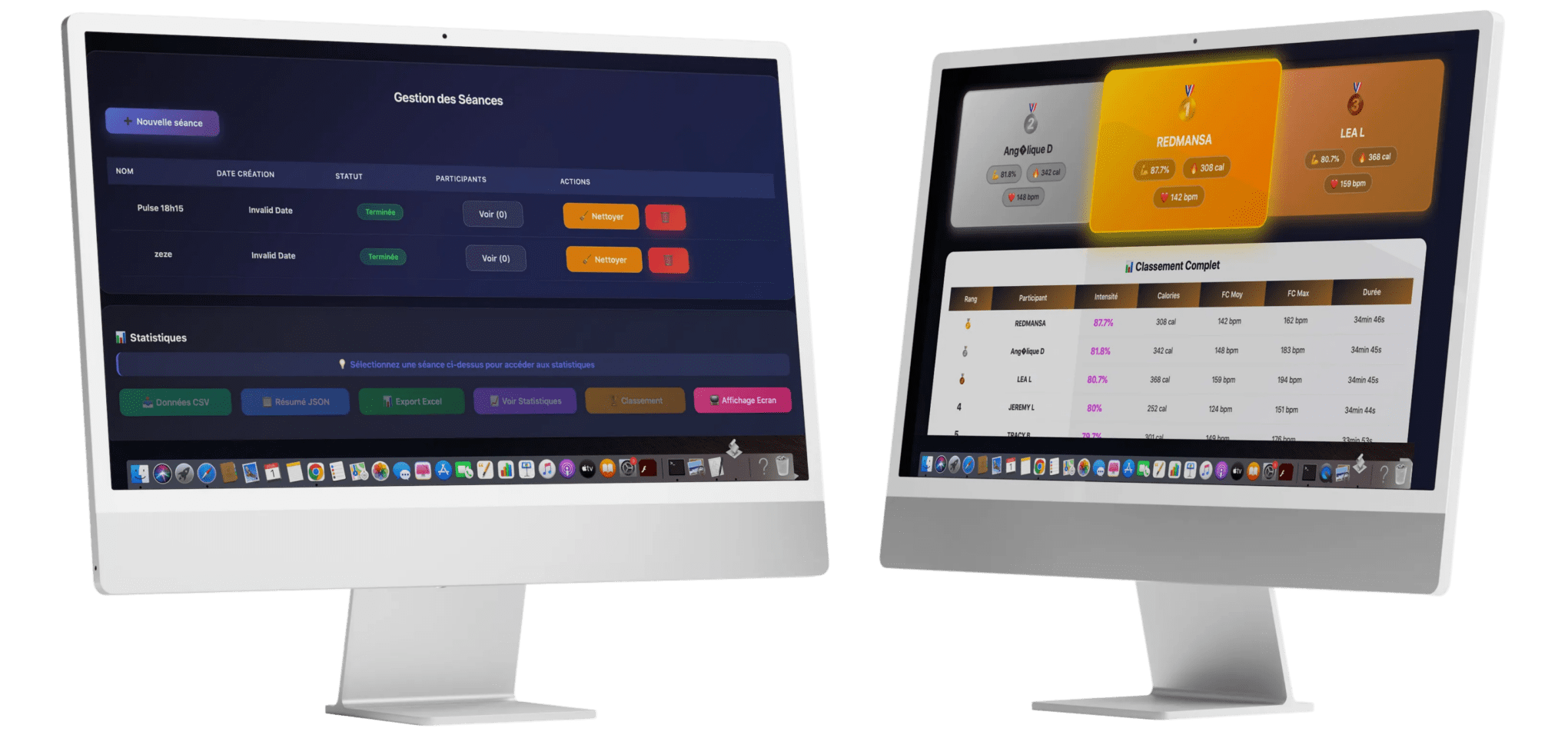
Collective real-time display

Results

What actually changes in practice

What participants experience

They instantly understand where they stand

They know when to accelerate or manage their pace

They position themselves relative to the group

They become active participants in their session
They no longer endure the workout, they fully take part in it.

What your
facility gets

Stronger engagement

Immediate differentiation

Increased client retention

Improved perceived value

Who is it for?

CardioLive Studio is used by :

Usable on a large screen or simply on a computer.

How it works

Simple installation, in just a few minutes!

Download

Connect

Launch

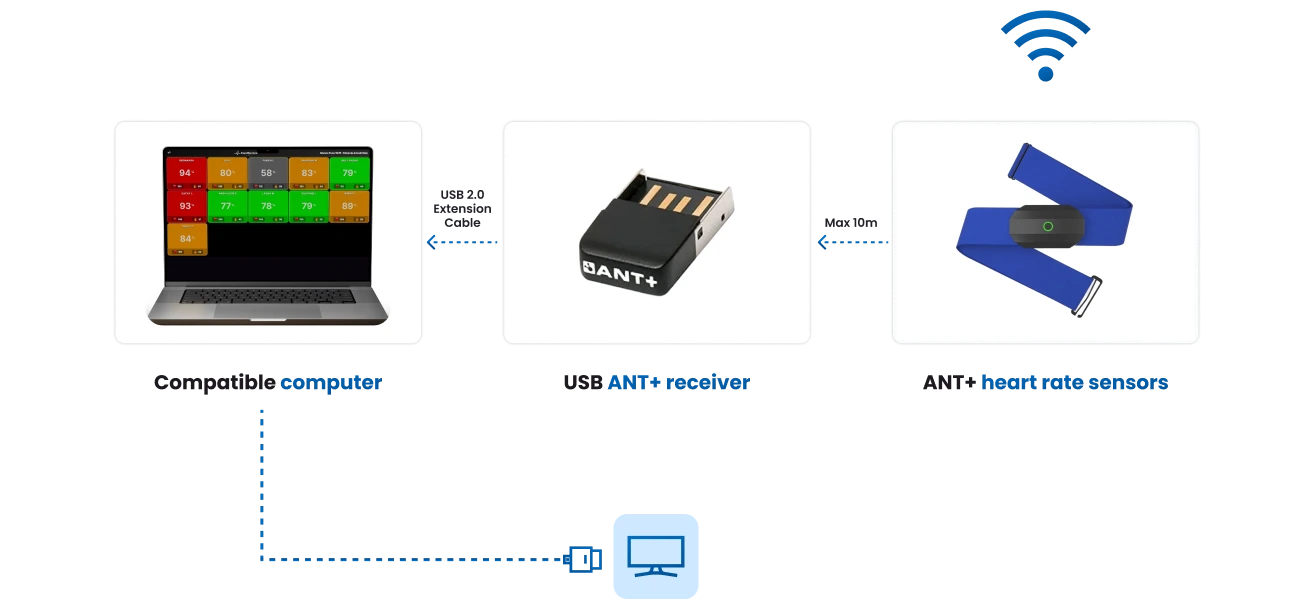
Required equipment

No complex installation.

Computer (PC)

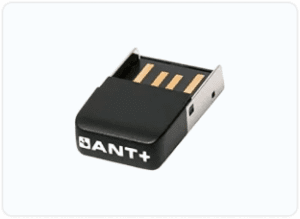
USB ANT+ receiver

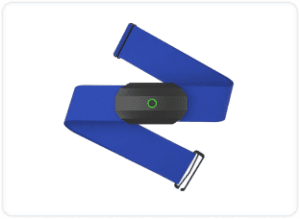
ANT+ heart rate sensors

(optional) TV screen or projector

For reference :

👉 Click on the items below to see tested ANT+ receiver and sensor models.

Links provided for information purposes, tested and compatible models, no purchase obligation

Try for free

Discover the software in real conditions, with no commitment.

“An ANT+ USB receiver and compatible ANT+ heart rate sensors are required”

No commitment

No automatic renewal

Pricing
12-month license – One-time payment

Immediate download

Secure payment
Automatic invoice
Updates included

License valid for 1 year

No automatic renewal clause

FAQ

CardioLive Studio is a real-time heart rate zone display software for group training.

It allows you to display participants’ cardio data live during a session.

It can be used in gyms, cycling or HIIT studios, CrossFit / Hyrox, sports clubs and strength & conditioning training.

No.

We only sell a software license valid for 12 months.

The required equipment (ANT+ heart rate sensors and ANT+ USB receiver) can be purchased freely from the supplier of your choice.

No proprietary hardware is required.

To use the software you need :
– A compatible computer (Windows, Linux or Raspberry Pi) – One or more ANT+ USB receiver sticks depending on the number of participants – ANT+ compatible heart rate sensors
Recommended configuration (Windows): – Windows 10 or 11 (64-bit) – 4 GB of RAM minimum – 8 GB of RAM recommended for up to 10 participants – 16 GB of RAM recommended for 10 to 20 participants – 32 GB of RAM recommended for more than 20 participants
Optional: – A TV screen or video projector for group display.

The software is compatible with standard ANT+ heart rate sensors.

If your sensors are ANT+, they will work.

No. Installation only takes a few minutes:

  1. Download the software
  2. Plug in the ANT+ USB stick
  3. Start your session

A complete installation guide is provided with the software download and details each step of the process. No complex installation is required.

Yes.

CardioLive Studio can be used for strength & conditioning sessions, group training in gyms, group workouts with intensity monitoring and visualization of heart rate zones during exercise.

It makes training intensity visible and easy to understand for athletes.

Yes, within the limit of the number of participants included in your license (10, 20 or 50 simultaneously).

The license corresponds to the maximum number of athletes displayed at the same time.

One license covers one location.

Each location requires its own license.

The license is valid for 12 months from activation.

It is a one-time payment.

There is no automatic renewal.

Payment is secure and processed online.

Prices are displayed excluding taxes.

VAT is applied depending on the billing country.

An invoice is automatically generated after payment.

Yes.

A 30-day free trial is available.

It gives access to all software features.

CardioLive Studio is compatible with :
  • Windows
  • Linux
  • Raspberry Pi
  • Macs equipped with an Intel processor
Recent Macs equipped with Apple Silicon chips (M1, M2, M3, M4 – models released from late 2020 onwards) are not currently compatible with the ANT+ receivers used by the software.

After activation :

You receive your license,
You download the software,
You follow the installation guide.

A complete user guide is provided to help you get started.

It is important to choose the right plan from the start.

Each license corresponds to a maximum number of simultaneous participants (10, 20 or 50).

If you need a higher plan, you must purchase a new license corresponding to the desired level.

It is not possible to pay only the difference between two plans.

No.

The free trial is commitment-free and does not require a credit card.

At the end of the 12 months, the license simply expires.

You are free to renew it or not.

No automatic renewal is performed.

Yes.

Software updates are included for the entire duration of your license.

An internet connection is only required to download and install the software.

Once installed, the software runs directly on the computer.

The connection with the sensors is made via ANT+ and does not require internet access during the session.